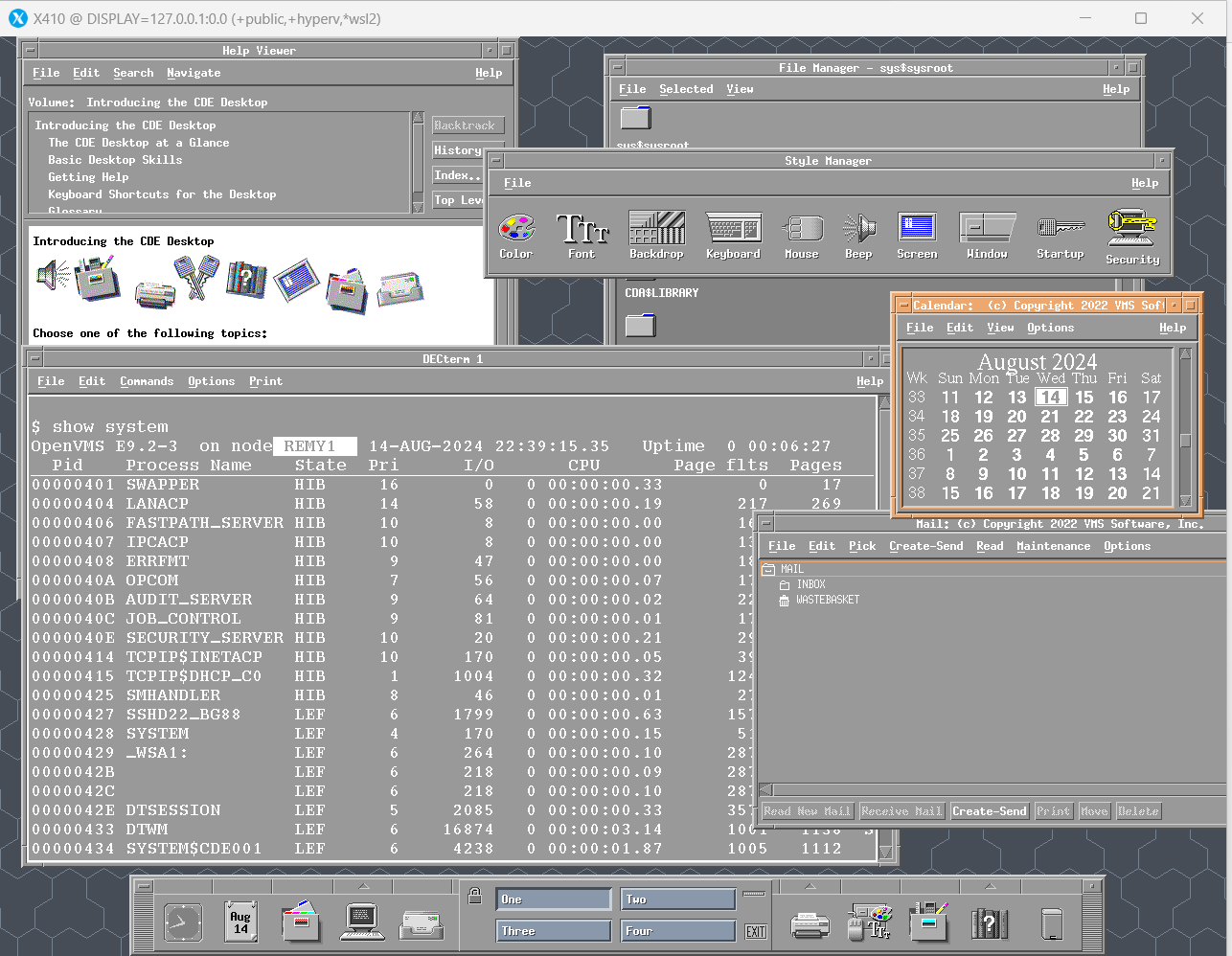
 > OpenVMS CDE working! You do need to find a way to download OpenVMS E9.2-3. You can either apply to the [Ambassador Program](https://vmssoftware.com/products/licenses/) or wait until the [Hobbyist License Virtual Machine] (https://vmssoftware.com/community/community-license/) is updated, or, be a paying customer. ### OpenVMS Guest Console 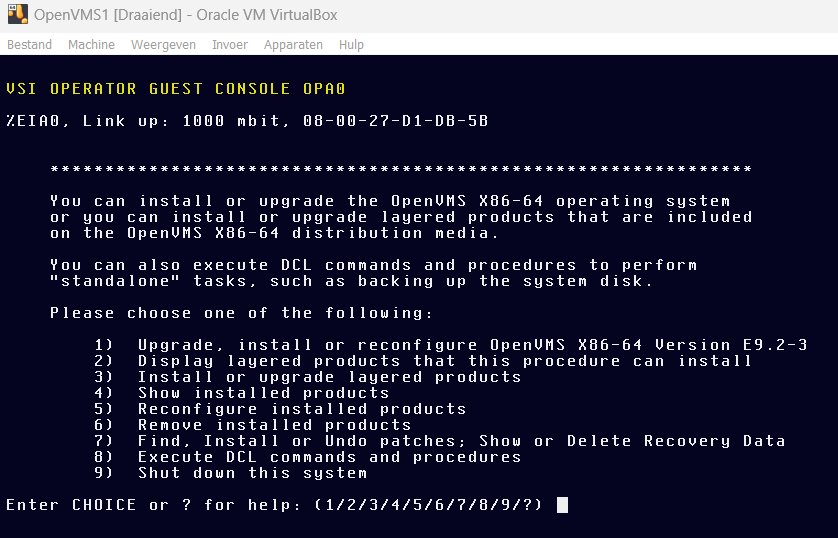 > The OpenVMS Guest Console. No serial port required for installation anymore! Quoting from [the installation guide for E9.2-3](https://web.archive.org/web/20240811064154/https://docs.vmssoftware.com/vsi-openvms-x86-64-v923-installation-guide/) > In previous versions of OpenVMS x86-64, all console interactions required a legacy serial port device. Starting with version E9.2-3, OpenVMS x86-64 features the Guest Console - a console interface that takes advantage of newer networking technologies. The Guest Console provides the necessary keyboard driver and terminal emulator features to allow users to interact with the system from the initial boot through the operator login. > Note that the current implementation of the Guest Console provides a minimal terminal that lacks certain important features, such as scrolling and copy-paste. This will be addressed in a future release of OpenVMS x86-64. Remember to select `Other/Other Unknown (64 bit)` in VirtualBox. Not regular unknown, but 64-bit. For a recap on [installing OpenVMS on x86 in Virtualbox, see my other article](/s/blog/OpenVMS_9.2_for_x86_Getting_Started.html). At the bootloader, type the following to enable the Guest Console: OPA0 The screenshot below shows the output: 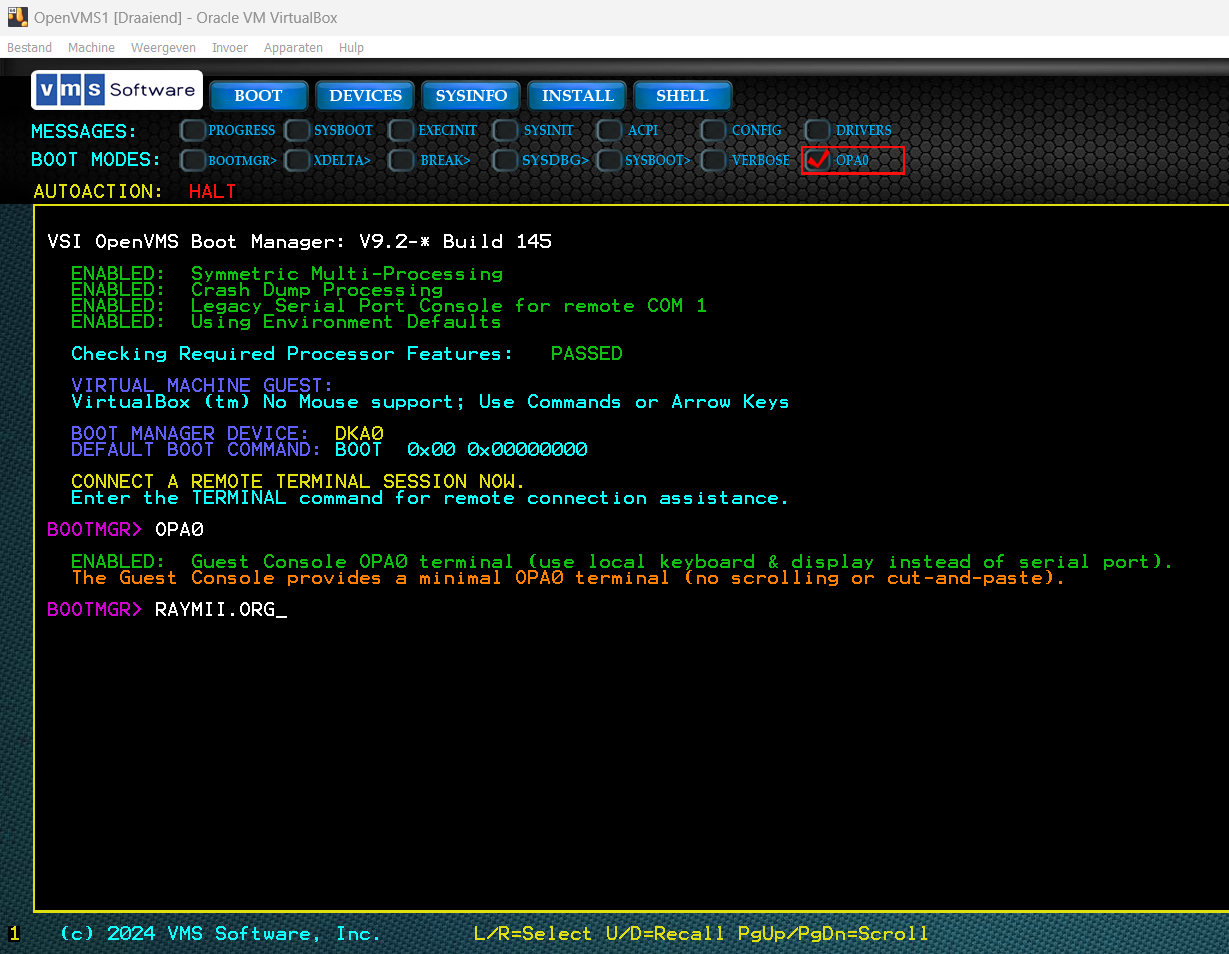 Continue on with `BOOT DKA100` (or your boot device) and then you should see the installation in the VirtualBox window, no need to connect to the serial port anymore! For VMWare, this also enables support for vMotion (vMotion is a zero downtime live migration of workloads from one server to another), vMotion does not work with a serial port. Big deal! The console is a bit slow, you can see the text coming in character by character. But, it helps to make the installation easier since there is no longer a requirement to setup a serial port. Here is a GIF to show the text flowing in: 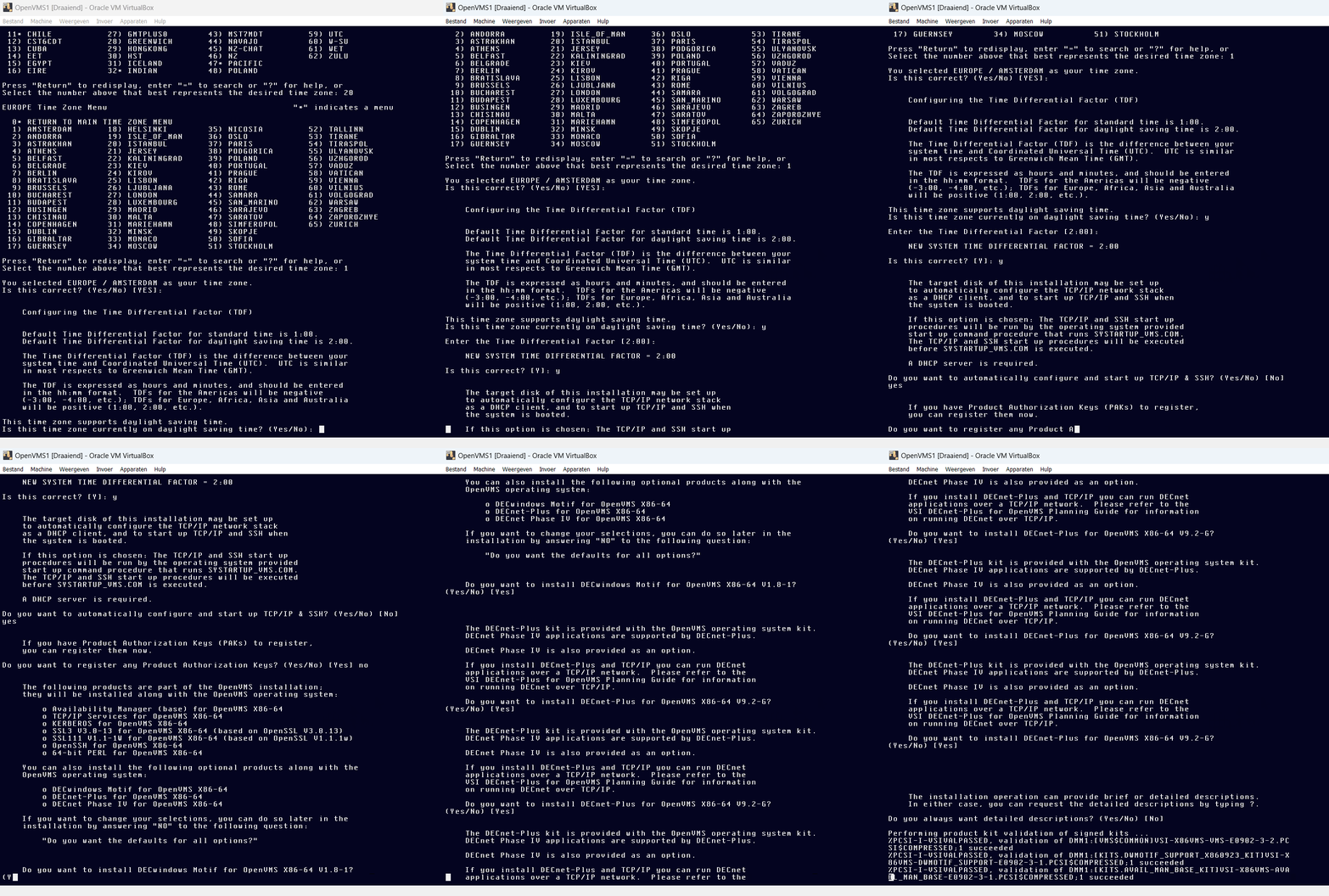 All in all a huge improvement. This makes installation and basic troubleshooting way easier. I hope that this console will support VGA one day so you can use CDE and DECWindows without SSH Forwarding. But VSI is not interested in fixing CDE / DECWindows since there are no paying customers who use it and no applications, just hobbyists. Here are a few more screenshots: 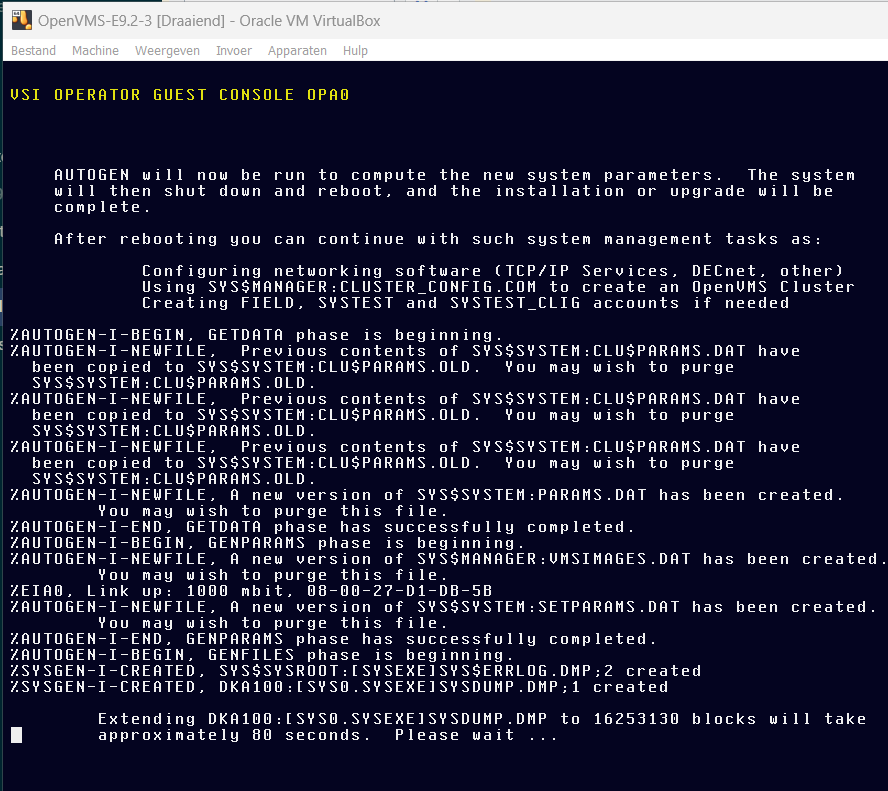 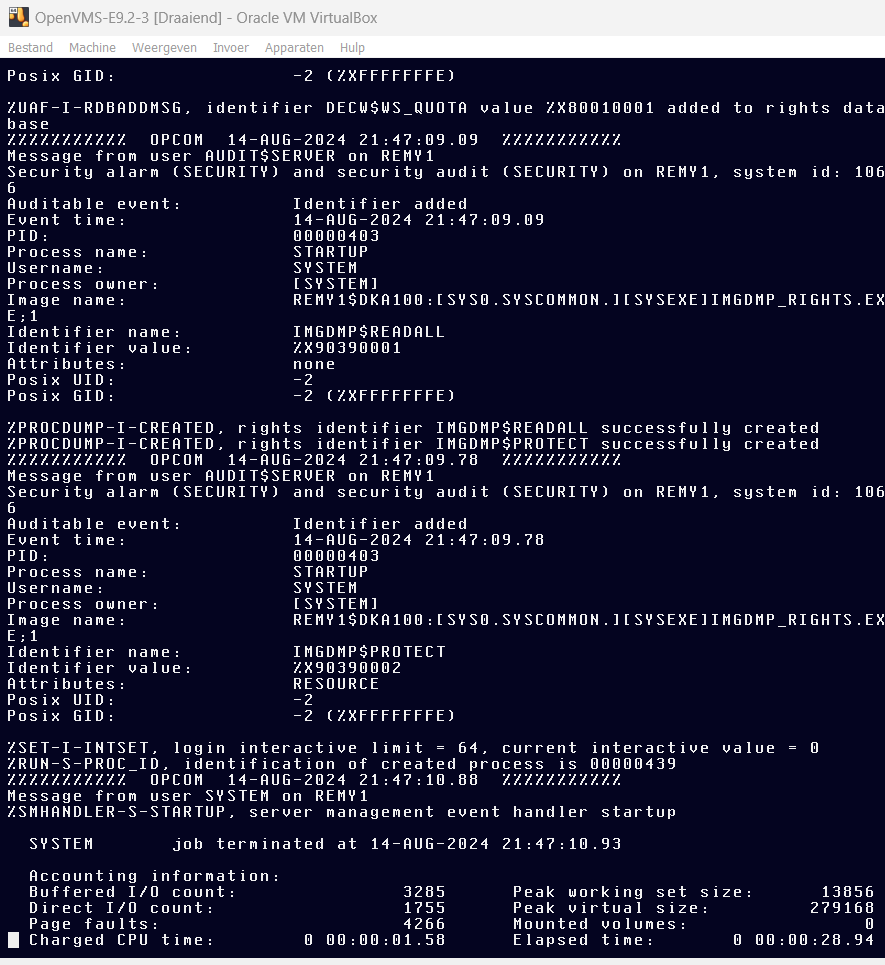 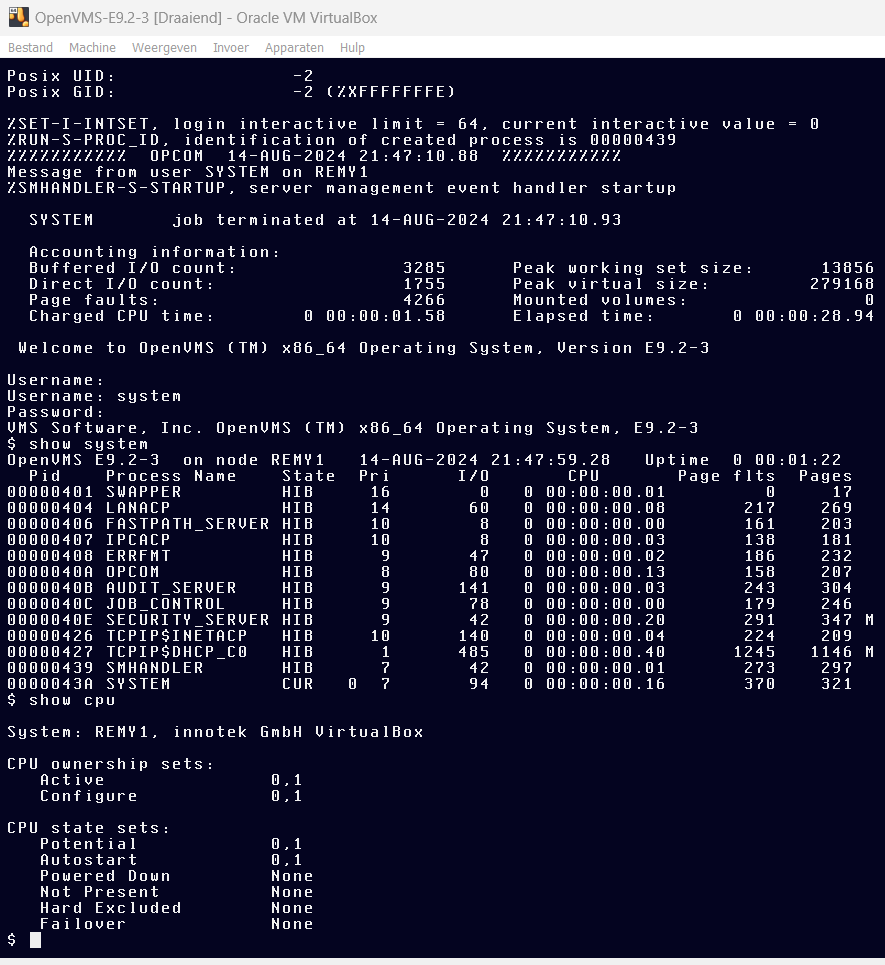 The `SYSTEM` password in the E9.2-3 installation has to be at least 15 characters, big change to earlier versions. If you want a bigger font on the Guest Console, in the boot manager, enter the command `BIG` before `OPA0`. ### CDE and DECWindows fixes in E9.2-3 Due to a [bugfix in the C/C++ compiler] (https://forum.vmssoftware.com/viewtopic.php?f=1&t=9138&p=21964&hilit=decwindows#p21751) DECWindows and CDE now work. This is an explanation I found on the forum: > Inside DECWindows there is a mix of calls to `malloc/free/realloc` and `lib$vm_malloc/lib$vm_free/lib$vm_realloc`. For example, `decc$malloc` called, and then the resulting pointer is passed to the `ib$vm_realloc`function. Formally this is mistakes, but before CRTL-V8.0 it was allowed. But in V8.0, the function `posix_memalign` was added, it required adding some additional information to the internal structures associated with memory allocation. And the functions `free` and `lib$vm_free` became incompatible. I've fixed it. But the fix will probably be available in V9.0 [This forum post also confirms that CDE now works] (https://forum.vmssoftware.com/viewtopic.php?f=37&t=9181&p=21987&hilit=decwindows#p21987). After installing or upgrading to OpenVMS E9.2-3 you can start a graphical session by executing the following commands. Make sure you have an X11 server installed. On Windows this can be [xming](https://sourceforge.net/projects/xming/) or [X410](https://x410.dev/) and on Linux the easiest is to use [Xephyr](/s/blog/OpenVMS_CDE_Desktop_remote_x_axpbox.html) (`Xephyr -screen 1024x768 :1 -ac -listen tcp`). In the OpenVMS Guest Console, login as the `SYSTEM` user and execute the following commands to start the graphical interface: SET DISPLAY/CREATE/NODE=